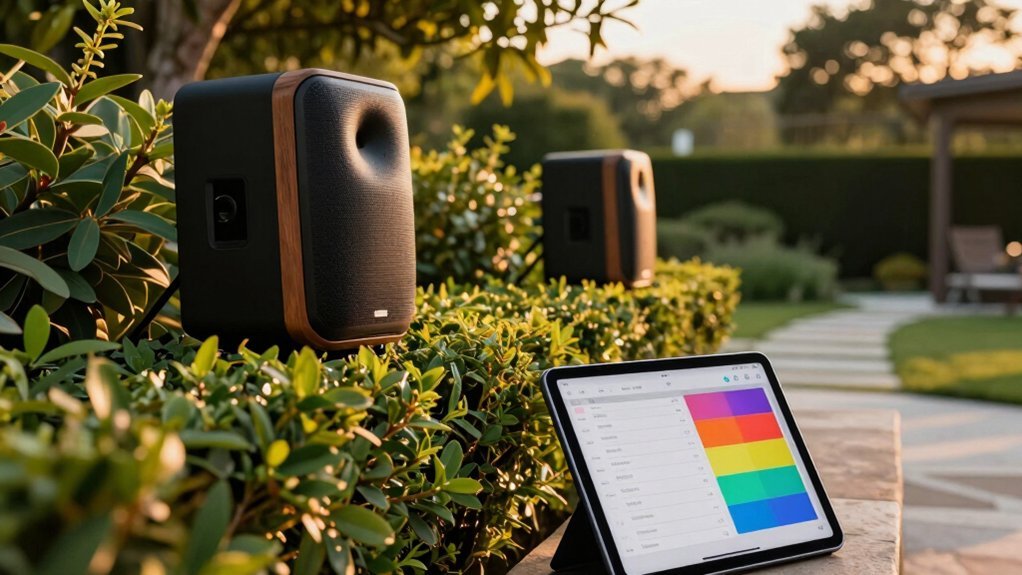
You’ll designate a central hub and pair your outdoor speakers in party mode to create a unified system. Next, select a compatible automation app that supports Bluetooth speaker groups and time-based triggers. Configure your primary speaker to power on and start playback at your chosen hour using exact start times for weekdays and weekends. Enable location-based triggers or sunrise/sunset activation to eliminate manual input entirely. Set ambient-friendly volume levels and weather protections for reliable outdoor operation. The details below reveal how to fine-tune each step for seamless automation.
Setting Up Your Central Hub or Smart Speaker
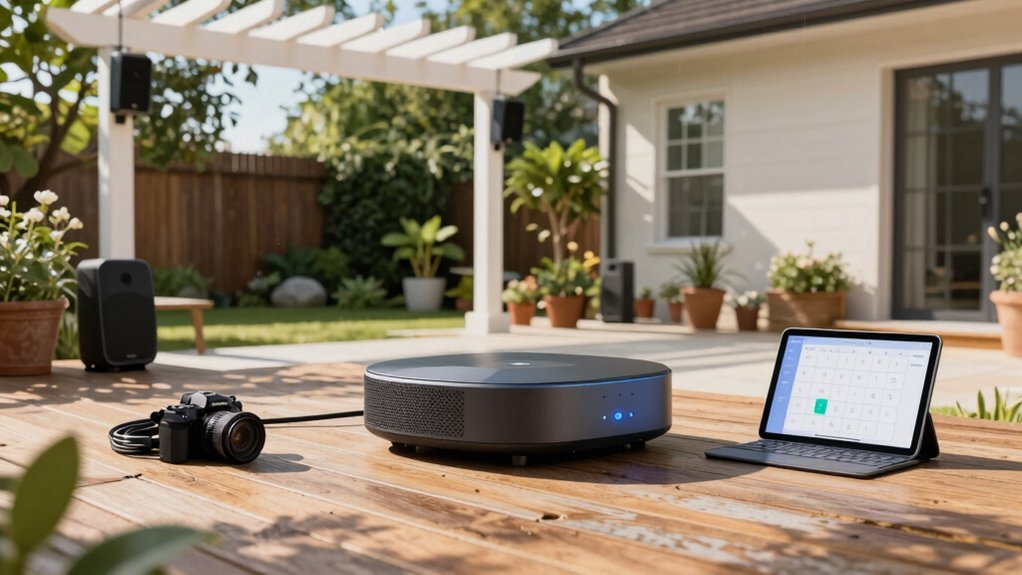
How do you coordinate multiple outdoor speakers without manually controlling each one? You’ll need to designate a central hub or primary smart speaker to serve as the controller for all paired devices. Start by ensuring your hub is powered on and connected to Wi-Fi. Next, add all your outdoor speakers to the hub’s device settings so they’re recognized by the system. This setup enables synchronized playback across multiple speakers, whether you’re using party mode for unified audio or distributed audio for different zones. Once your hub recognizes all connected speakers, you’ll be ready to configure automated scheduling and create timed playback events that coordinate your entire outdoor audio system effortlessly.
Choosing the Right Automation App for Your System
Once you’ve established your central hub and paired your outdoor speakers, selecting the right automation app becomes essential to achieving seamless scheduling. You’ll want an app that supports Bluetooth speaker groups and multi-speaker commands, allowing both patio speakers to function as a unified party setup without manual re-pairing.
Look for automation capabilities triggered by time, sunrise/sunset, or geolocation to start playback automatically. Verify compatibility with your iOS or Android device and your speakers’ pairing method beforehand.
Prioritize apps offering quick presets for outdoor scenarios, including fade-in play, crossfade, and volume leveling across paired speakers. Remote access, notifications, and calendar-based triggers ensure you can reliably automate your outdoor listening schedules from anywhere, giving you complete control over your speaker system.
Powering On Primary Speaker at Scheduled Times
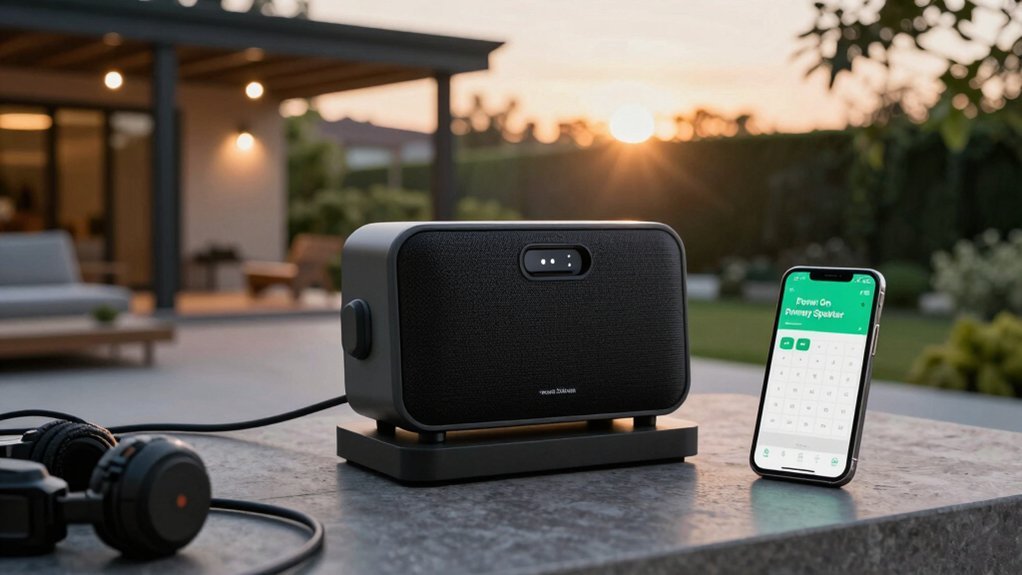
You’ll need to configure your smart timer to energize your primary speaker’s power circuit at your exact start time, ensuring consistent automatic startup.
Integrating this automation with your device’s native app or smart home system lets you coordinate power delivery seamlessly across your outdoor setup.
Proper power management—like keeping your primary speaker charged and within Bluetooth range beforehand—prevents missed startups and guarantees reliable performance when your schedule triggers.
Smart Timer Configuration Methods
When should your primary speaker wake up? That’s where smart timer configuration becomes essential. You’ll want to align your speaker’s power-on time with your outdoor activity schedule—whether that’s morning coffee sessions or evening gatherings.
You’ve got two main options: set a regular daily timer for consistent activation or create a custom timer for specific occasions. Daily timers work best if you use your patio speakers at the same time each day. Custom timers offer flexibility when your schedule varies.
Once you’ve selected your preferred method, program your primary speaker to power on at your chosen time. This automated startup triggers the pairing process automatically, eliminating manual setup each time. Your speaker appears as “patio beat” on your controlling device, ready for immediate connection.
Automation Integration With Devices
Now that you’ve chosen your timer settings, the next step involves connecting those timers to your actual hardware through automation. You’ll use a smart plug or built-in automation feature to power on your primary speaker at your designated times. Once powered on, your speaker will boot up and automatically enter pairing mode, appearing as “patio beat” on your controlling device.
After the primary speaker powers on, the automation should trigger a short Bluetooth command to initiate the pairing sequence. Meanwhile, guarantee your second speaker is already powered on and set to pairing mode so it can detect and complete the connection when your primary speaker becomes available. This coordinated approach ensures your outdoor audio system activates seamlessly at scheduled intervals.
Power Management Best Practices
To establish a reliable automated audio system, you’ll need to designate your primary speaker and ensure it powers on at your scheduled start time. Power on the primary speaker before your pairing window opens so the secondary speaker can detect it immediately. You’ll want to verify that “patio beat” appears on your controlling device, confirming readiness for automatic pairing.
At the scheduled time, use the primary speaker’s Bluetooth button to enter pairing mode promptly, enabling a smooth auto-pair sequence. For dependable automation, maintain a stable power source and set a precise clock on your controlling device. This synchronization guarantees your primary speaker starts exactly when needed, initiating the multi-speaker setup process without delays.
Activating Bluetooth Pairing Through Routines
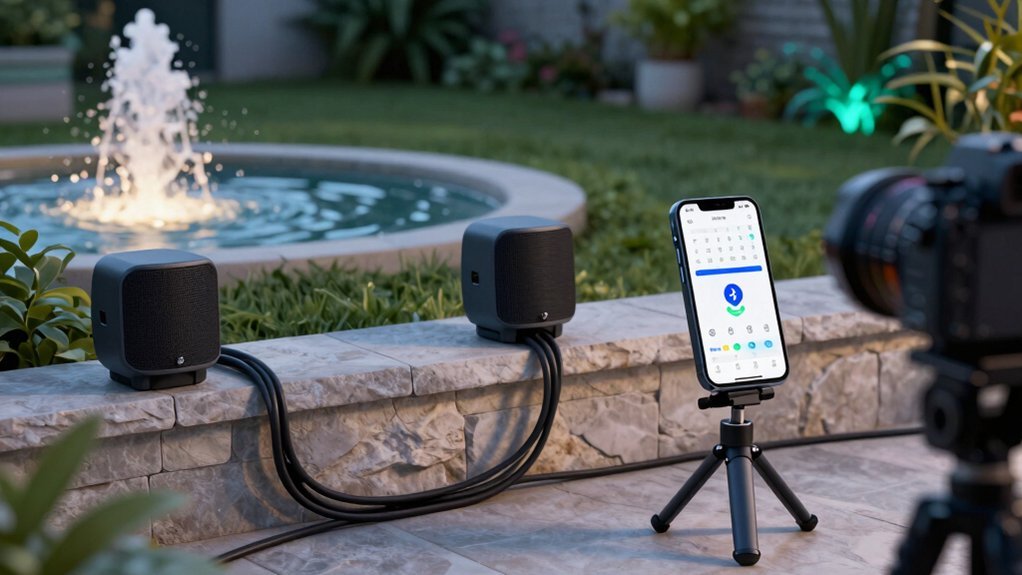
How do you automate your speakers’ connection process? You’ll use routines to trigger automatic pairing at scheduled times, eliminating manual setup each time. First, designate your alpha primary speaker and ensure it’s powered on. Press its Bluetooth button to enter pairing mode, then select it on your device and perform a single short Bluetooth press to initiate pairing.
Next, turn on your second speaker and press its Bluetooth button to start pairing. Wait for both devices to appear as synced in your routine’s device list. Once paired, your speakers deliver unified party-mode sound with equal audio distribution.
Keep in mind that light patterns may not perfectly synchronize during scheduled activations, though audio pairing remains consistent and reliable.
Starting Playback at Your Defined Hour
Once you’ve paired your speakers through routines, you’ll want to set a specific start time for playback at your defined hour. Use your smart scheduling app or device timer to establish an exact start time, ensuring your system’s powered and connected to your Bluetooth network or compatible party mode speakers.
Create a routine that automatically turns on your primary speaker and initiates playback of your chosen playlist or radio station at your designated hour. Configure your master speaker to begin playback first, allowing secondary speakers in party mode to join automatically for synchronized sound.
Before relying on automatic scheduling, test the start time under outdoor conditions matching your typical environment. This reliability check prevents unexpected failures when you need your speakers most.
Implementing Fallback Connections for Failed Pairings
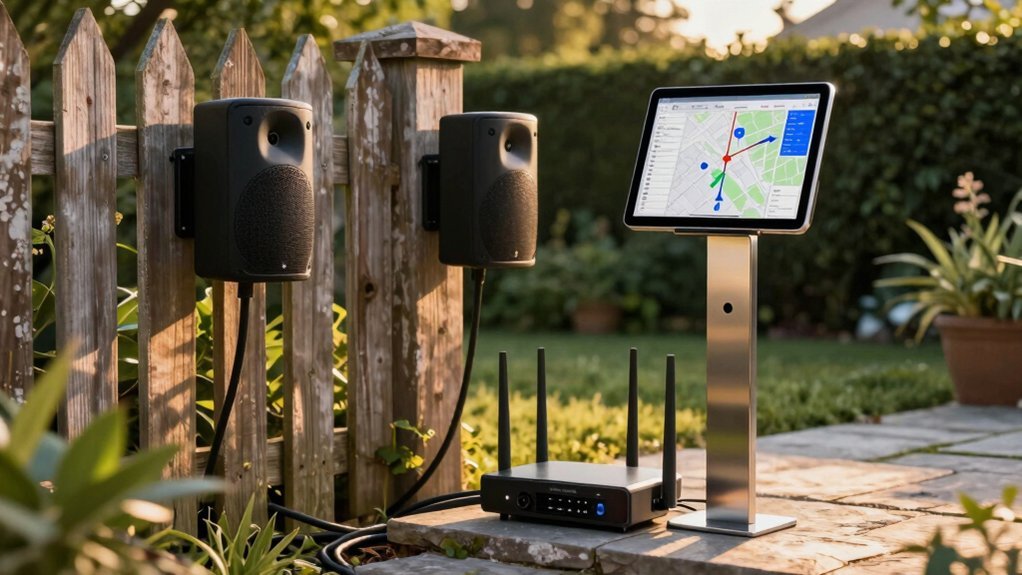
What happens when your primary speaker loses connection during outdoor playback? Your music stops, and your party derails. Implementing fallback connections ensures uninterrupted audio by automatically switching to a secondary speaker when primary pairing fails.
| Feature | Function | Benefit |
|---|---|---|
| Secondary Bluetooth Address | Backup device storage | Instant failover capability |
| Quick Reattempt Timer | 15–30 second retry interval | Minimizes audio gaps |
| Standby Pairing | Automatic background attempts | Seamless reconnection |
| Party Mode Sync | Dual-speaker synchronization | Consistent sound quality |
You’ll configure your system to store a secondary Bluetooth address for each speaker. When your primary device disconnects, a quick reattempt timer triggers before activating the fallback. Meanwhile, standby mode continuously attempts pairing with your backup speaker. This preserves party mode synchronization, keeping both speakers coordinated when reconnected. Enable diagnostic logging to track pairing failures and identify outdoor connectivity patterns for future optimization.
Configuring Retry Delays and Connection Backup
You’ll want to set up an automatic retry protocol that balances quick recovery with network stability—starting with a 2-second delay and doubling it up to 32 seconds between attempts, capped at 3–5 tries before triggering a fallback. Configure a backup connection method like Wi-Fi or mesh networking that activates automatically when Bluetooth pairing fails, ensuring your speakers stay connected even in spotty outdoor conditions. Your system should also monitor environmental triggers—such as when your device re-enters range or power restores—to resume normal retry behavior once conditions improve.
Automatic Retry Protocol Setup
How can your outdoor speakers stay reliably connected when interruptions inevitably occur? You’ll need to enable an automatic retry protocol that re-initiates pairing attempts at set intervals until your connection stabilizes or reaches a maximum retry count.
Start by configuring your retry delay schedule—typically 15–60 seconds—through your device’s Bluetooth settings or companion app. This determines how long the system waits before attempting reconnection after a drop.
Next, ensure your backup speaker is powered and in pairing mode but not currently connected, creating a fallback option if needed.
Finally, log retry events with timestamps and outcomes. This data reveals success rates, failure patterns, and reconnection times, allowing you to refine your protocol and improve future automatic recovery performance.
Backup Connection Management Options
Once you’ve established your retry protocol’s timing framework, you need to layer in a backup connection strategy that prevents your outdoor speakers from falling silent when the primary link fails.
Designate a primary hub and secondary fallback device that automatically switches over when connections drop. Your topology—whether mesh or star—must ensure the fallback remains within range of at least one access point.
| Component | Function | Benefit |
|---|---|---|
| Primary Hub | Main connection point | Fast, direct routing |
| Secondary Device | Automatic failover | Uninterrupted audio |
| Mesh Topology | Seamless backup routing | Redundant pathways |
Set a maximum retry limit of 6–10 attempts before triggering manual override or alerts. This prevents endless reconnection loops while maintaining network stability. Monitor connection events with timestamps to refine delays and verify long-term reliability.
Adjusting Ambient-Friendly Volume Levels
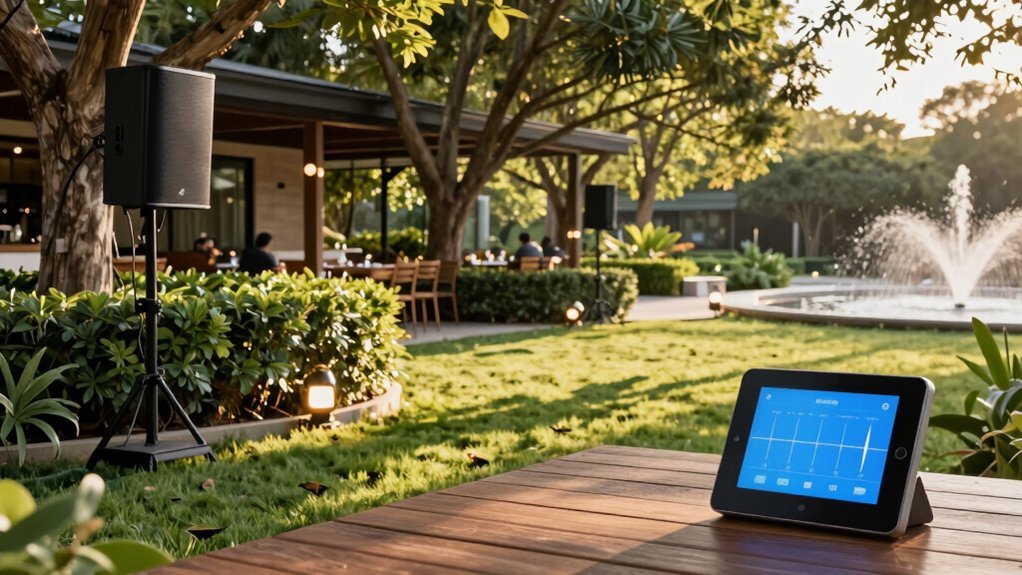
Why blast your outdoor speakers at maximum volume when a thoughtful approach delivers better results? You’ll create a more pleasant experience by setting your baseline at 30% maximum output, preventing listener fatigue and respecting your neighbors.
Implement dynamic volume ramps that fade in and out gradually, eliminating jarring sound spikes that disrupt outdoor events.
Adjust your volume caps strategically—lower during dawn and dusk when crowds are smaller, higher during midday gatherings when ambient noise naturally increases.
Enable auto-volume normalization to maintain consistent perceived loudness across different tracks and varying outdoor noise levels.
Finally, schedule automatic adjustments aligned with local noise ordinances, defining quiet hours when your system automatically reduces output.
This balanced strategy keeps your audio enjoyable while remaining environmentally considerate.
Ensuring Weather-Safe Operation for Outdoor Use
You’ll want to implement weather detection systems that monitor real-time conditions and automatically pause playback when rain arrives.
Your automatic pause protocols should resume music once the weather clears, protecting your equipment from moisture damage while keeping your schedule consistent.
These moisture protection features—combined with IP-rated enclosures and weatherproof connectors—ensure your outdoor speakers survive the elements without interruption to your automation routine.
Weather Detection Systems
How can you protect your outdoor speakers from the elements while maintaining uninterrupted entertainment? Weather detection systems are your solution. You’ll install sensors that monitor rain, wind, temperature, and humidity in real-time, triggering automatic protective actions when thresholds are exceeded.
| Threat | Threshold | Action |
|---|---|---|
| Rain | >0.1 in/hour | Lower volume |
| Wind | >25 mph | Power off |
| Humidity | >85% | Storage mode |
You’ll also integrate a weather service API for preemptive alerts, allowing your system to respond before damage occurs. Configure thresholds based on your speaker specifications and local climate patterns. Implement fail-safe mechanisms including manual overrides and local sensor fallbacks to maintain operation during internet outages. Log all weather events and automatic actions to refine your protection strategy continuously.
Automatic Pause Protocols
While weather detection systems monitor environmental conditions, automatic pause protocols take protective action by halting playback when threats emerge. You can configure automatic pauses triggered by precipitation, gusty winds, temperature extremes, and extended outdoor exposure. The system intelligently pauses streaming when conditions fall below freezing or exceed heat tolerance, protecting internal components from damage.
You’ll benefit from geofenced or schedule-based pauses that disable playback during nighttime hours or when your device remains outside too long. When weather clears, you can manually resume playback with safety confirmations, and the system automatically re-pauses if adverse conditions return. Every pause event logs with timestamps, weather conditions, and reasons, while optional notifications keep you informed of protective actions your speakers take.
Moisture Protection Features
What protects your outdoor speakers when rain, humidity, and temperature swings threaten their performance? Moisture protection features keep your system operating reliably in harsh conditions.
Your outdoor speakers feature weather-resistant enclosures designed to handle moisture exposure and temperature fluctuations. Look for an IP rating of IPX4 or higher, which guarantees protection against splashing water from any direction. Sealed connectors and gasketed terminals minimize water ingress during rain or humid seasons.
Advanced models include built-in moisture detectors or dehumidification features that prevent corrosion and speaker motor damage. Protective covers for ports shield vulnerable connection points, while weatherproof power management systems prevent short circuits that could disable your setup.
These integrated safeguards ensure your scheduled outdoor audio operates seamlessly regardless of weather conditions, eliminating unexpected downtime and extending your speakers’ lifespan significantly.
Setting Energy-Saving Sleep Modes After Playback
When’s the best time to activate your speakers’ sleep mode? After playback stops. You’ll want to set an inactivity timer between 15–30 minutes so your speakers enter energy-saving mode automatically, preserving battery life without manual intervention.
Here’s how to optimize your setup:
- Enable automatic sleep through your master app or physical button sequence
- Configure a wake-up trigger like play button press or Bluetooth connection for instant resumption
- Activate automatic dimming or low-power firmware profiles if available
- Adjust sleep timers based on listening patterns—longer intervals during daytime, shorter after dusk
- Balance convenience with efficiency by customizing intervals for outdoor usage
This approach ensures your speakers conserve power during idle periods while remaining responsive when you need them, maximizing battery longevity without sacrificing quick reconnection capability.
Saving and Enabling Your Daily Routine
How can you ensure your outdoor speakers play automatically without lifting a finger? Save your customized settings by creating a recurring schedule in your speaker’s app, specifying exact start and end times for weekdays and weekends. Enable automatic startup by selecting a “play at” time that powers on your primary outdoor speaker and begins streaming instantly. If location-based triggers are available, use them to start playback when you arrive home, eliminating manual input entirely. Set your preferred daily volume profile and light show mode—like rainbow—to activate automatically with your routine. Add a fallback option: if playback fails, the system retries up to three times and notifies your phone, ensuring reliability and peace of mind.
Optimizing Multi-Speaker Pairing in Party Mode
Why settle for a single speaker when you can amplify your outdoor audio experience?
Why settle for a single speaker when you can amplify your outdoor audio experience with synchronized dual-speaker party mode?
Party mode transforms your setup by syncing two speakers for immersive sound. Here’s what you’ll get:
- Designate an alpha speaker and power up “patio beat” for selection
- Press the primary speaker’s Bluetooth button, then activate the second speaker’s pairing
- Achieve 80 watts combined power (40 watts per speaker) for deeper, richer audio
- Receive identical full sound from both speakers, not true wireless stereo
- Adjust lighting independently on each speaker with rainbow mode recommended
Once paired, both speakers deliver synchronized audio without requiring perfect light alignment. You’ll notice the unified sound output creates a more immersive experience across your outdoor space. While light patterns may not perfectly match during playback, the audio synchronization remains seamless, making party mode ideal for entertaining larger gatherings.
Frequently Asked Questions
How to Calculate Speaker Time Alignment?
You’ll calculate speaker time alignment by measuring the arrival time of a test beat at your listening position, then adjusting each speaker’s digital delay to compensate for cable lengths, wireless lag, and processing differences between units.
What Do You Need to Set up Outdoor Speakers?
You’ll need multiple party mode-compatible speakers, a powered device for Bluetooth pairing, and an alpha speaker to initiate connection. Ensure even sound distribution across your outdoor area, then pair your primary speaker first before adding additional units.
How to Keep Speakers on Time?
You’ll keep your speakers on time by setting a recurring daily schedule in your smart home app. Use a smart outlet to automate power cycles, establish your preferred start time and duration, then test the schedule to confirm everything works perfectly.
What Is the Best Outdoor Speaker System?
You’ll want a weather-resistant multi-speaker setup with IP65+ ratings, robust amplification, and Bluetooth connectivity. Look for systems delivering 40+ watts per speaker with scheduling features and smart home integration for seamless outdoor entertainment control.