
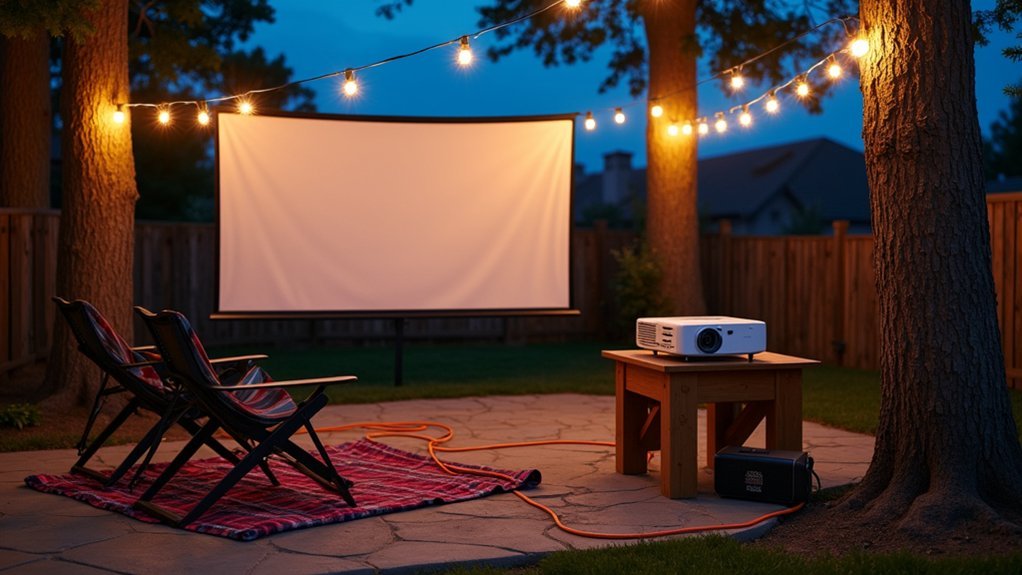
To power your outdoor projector setup, first calculate your total wattage by adding the projector’s draw (typically 150–350W) plus speakers, streaming devices, and any lighting. Add a 20% buffer for startup surges. You can then choose from outdoor-rated extension cords, portable generators positioned at least 20 feet away, battery-powered stations, or dedicated GFCI outlets. Each option has specific requirements for safety and runtime that you’ll want to explore below.
Understanding Your Outdoor Projector’s Power Requirements
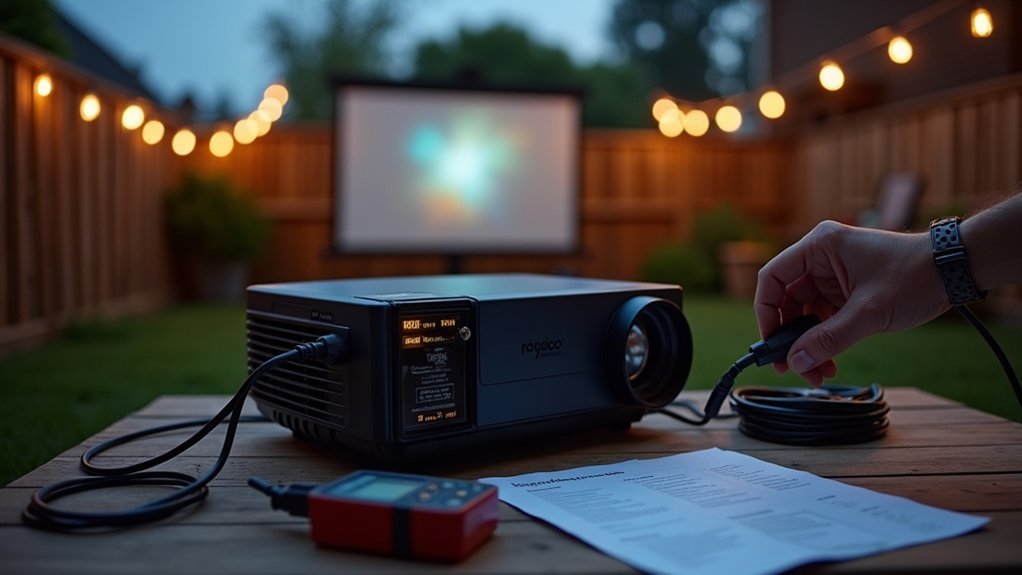
Before you string up that outdoor movie screen and queue up your favorite film, you’ll need to understand exactly how much power your projector demands. Check your projector’s specifications label or manual for its wattage rating, typically ranging from 150 to 350 watts for standard home theater models.
You’ll also need to account for additional equipment in your setup. Your speakers, streaming devices, and any cooling fans all draw power simultaneously. Add up the total wattage of every component to determine your minimum power requirements.
Don’t forget startup surge power. Projectors often require 20-30% more wattage during initial startup than during normal operation. Factor this surge into your calculations when selecting power sources to avoid tripped breakers or inadequate portable generators.
Using Standard Outdoor Extension Cords Safely
Running power from your home to an outdoor projector setup requires the right extension cord for both safety and performance. You’ll want to choose a cord specifically rated for outdoor use, marked with a “W” designation in its rating code.
Select a 12 or 14-gauge cord to handle your projector’s wattage without overheating. Thicker gauges support longer runs—stick with 12-gauge if you’re extending beyond 50 feet. Always check that your cord’s amperage rating exceeds your equipment’s total draw.
Keep connections elevated and dry using cord covers or weatherproof boxes. Never daisy-chain multiple extension cords together, as this creates fire hazards and voltage drops that can damage your projector. Inspect cords before each use for fraying, cracks, or exposed wiring, and replace damaged cords immediately.
Portable Generators for Remote Backyard Locations
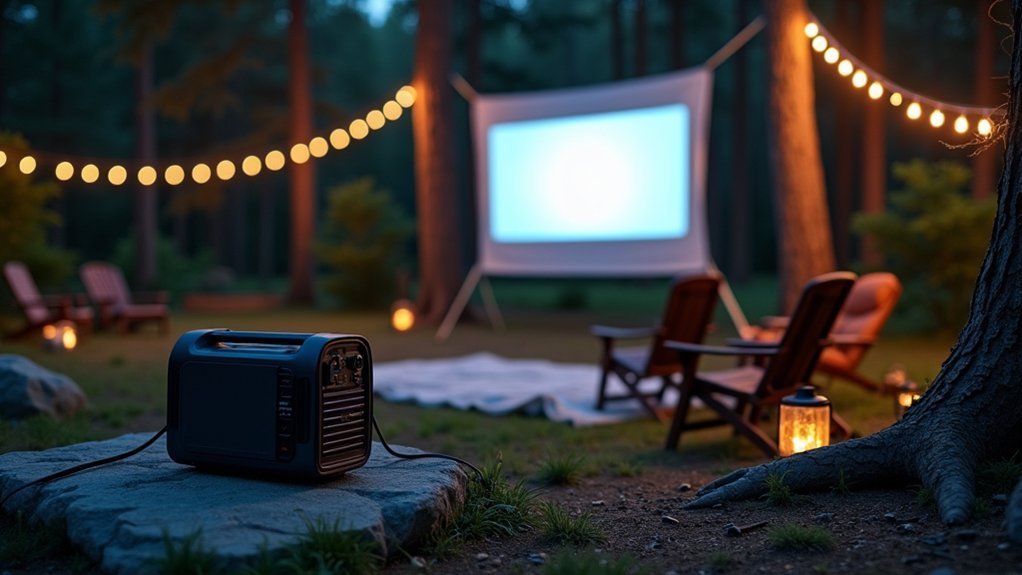
When your backyard screening spot sits too far from electrical outlets, a portable generator becomes your best power solution.
You’ll need to calculate your projector’s wattage requirements along with any speakers or accessories to select a generator with adequate capacity.
Consider inverter generators specifically, as they run noticeably quieter than conventional models and won’t drown out your movie’s audio.
Choosing the Right Wattage
Calculate your total power requirements before selecting a generator to prevent frustrating mid-movie shutdowns. Add up the wattage of your projector, speakers, streaming device, and any lighting you’ll use. Most projectors draw between 200-400 watts, while powered speakers can add another 50-200 watts.
Once you’ve totaled your running wattage, add a 20% buffer for safety. This accounts for startup surges that occur when devices first power on. A 2,000-watt generator handles most basic setups comfortably, but larger sound systems or multiple devices may require 3,000 watts or more.
Don’t forget efficiency losses. Inverter generators deliver cleaner power that’s safer for sensitive electronics like projectors. They’re also quieter than conventional models, so you won’t drown out your movie’s dialogue with engine noise.
Quiet Generator Options
Noise levels can make or break your outdoor movie experience, so you’ll want to seek out generators specifically designed for quiet operation. Look for inverter generators, which typically run between 50-60 decibels—comparable to normal conversation. Brands like Honda, Yamaha, and Champion offer models that won’t drown out your movie’s dialogue.
When shopping, check the decibel rating at 25% load since that’s likely where you’ll operate during film screenings. A 2000-watt inverter generator usually provides enough power for your projector, speakers, and accessories while maintaining whisper-quiet performance.
Position your generator at least 20 feet from your viewing area and point the exhaust away from guests. You can also place it behind natural sound barriers like shrubs or fencing to further reduce any operational noise.
Battery-Powered Projectors for Cable-Free Screenings
Battery-powered projectors let you set up movie nights anywhere in your backyard without running extension cords or positioning near outlets.
You’ll enjoy the freedom of placing your screen in the perfect spot, whether that’s by the pool, on the patio, or in a remote corner of your yard.
To maximize your viewing experience, you’ll want to understand how long these batteries last and the best practices for keeping them charged and ready for showtime.
Built-in Battery Benefits
Cutting the cord completely changes how you approach outdoor movie nights. Built-in batteries eliminate your dependence on outlets, extension cords, and generators. You gain the freedom to set up anywhere—your backyard, a campsite, or a rooftop—without scouting for power sources first.
Modern battery-powered projectors pack impressive runtime, often delivering two to three hours of continuous playback on a single charge. That’s enough for most feature films. You’ll also appreciate the cleaner setup without cables snaking across your lawn, reducing trip hazards for guests moving around in the dark.
These units typically weigh less than their corded counterparts, making transport effortless. Many include USB-C charging, so you can top off the battery using portable power banks when you need extended viewing sessions.
Runtime and Charging Tips
Understanding your projector’s runtime limits helps you plan screenings without unexpected blackouts mid-movie.
Most battery-powered projectors deliver two to four hours of playback, though brightness settings directly impact this duration. Lowering brightness by 20-30% can extend your runtime markedly without sacrificing too much image quality during nighttime viewings.
Charge your projector fully before each outdoor session.
Don’t wait until the battery indicator flashes red—lithium batteries perform best when you recharge them before dropping below 20%.
Keep a portable power bank rated for your projector’s wattage as backup for double features or longer films.
Avoid charging in extreme temperatures, which degrades battery health over time.
Store your projector at partial charge if you won’t use it for extended periods, preserving long-term battery capacity.
Solar Power Solutions for Eco-Friendly Movie Nights
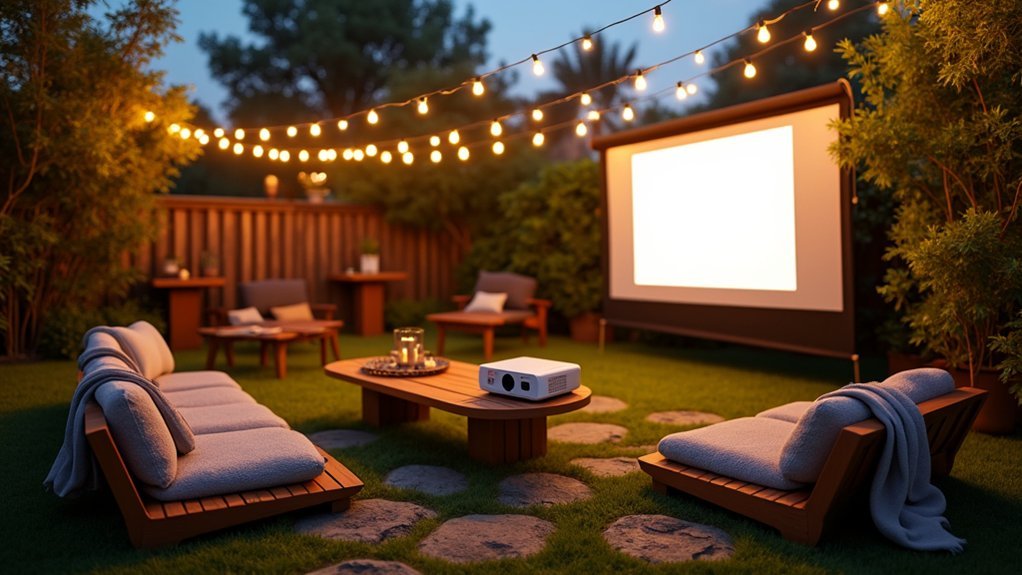
Beyond traditional electrical sources, solar power offers an increasingly practical way to run your outdoor projector setup while minimizing your environmental footprint. You’ll need a portable solar panel system paired with a compatible power station to store energy during daylight hours.
For successful solar-powered movie nights, consider these essentials:
- 100-200 watt portable solar panels that fold for easy storage and transport
- A lithium battery power station with sufficient capacity to run your projector for 2-3 hours
- An MPPT charge controller to maximize energy harvesting efficiency
Start charging your power station early in the day to guarantee full capacity by showtime. Position panels in direct sunlight and angle them toward the sun for peak charging.
You’ll enjoy guilt-free entertainment with zero electricity costs.
Installing Dedicated Outdoor Electrical Outlets
Installing dedicated outdoor electrical outlets gives you the most reliable power source for your permanent backyard theater setup. You’ll want to hire a licensed electrician to guarantee the installation meets local building codes and safety standards.
Choose weatherproof GFCI outlets rated for outdoor use. These outlets automatically shut off when they detect moisture or ground faults, protecting your equipment and preventing electrical hazards. Position them strategically near your projector mounting location and speaker placements.
Consider installing a dedicated 20-amp circuit to handle your projector, sound system, and any additional lighting. This prevents circuit overloads and eliminates competition with other household appliances. Your electrician can run conduit underground or along fence lines to keep wiring protected and hidden. Invest in lockable outlet covers to safeguard against weather and unauthorized use.
Power Stations and Portable Battery Packs
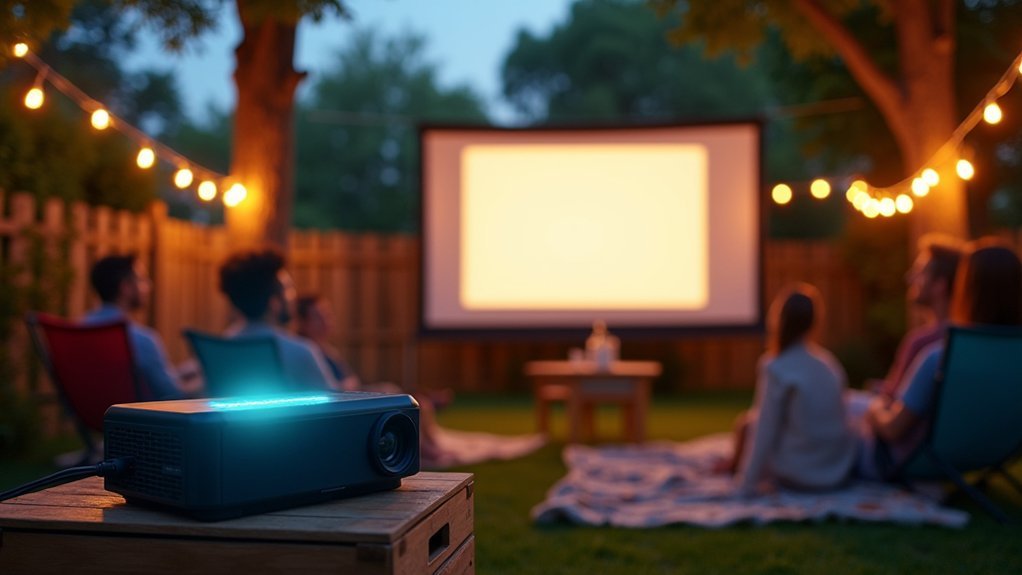
Portable power stations offer a flexible alternative when you don’t have access to dedicated outlets or need to set up your projector in different locations. These battery-powered units store electricity you can tap into anywhere on your property.
When selecting a power station, consider these key factors:
- Wattage capacity: Match the station’s output to your projector’s power requirements, typically 200-400 watts for most models
- Battery life: Choose units with enough capacity to run your entire movie, usually 500Wh or higher
- Port options: Look for multiple AC outlets plus USB ports for powering accessories
You’ll want to fully charge your power station before each screening. Many units also support solar panel charging, letting you replenish power sustainably between outdoor movie nights.
Weatherproofing Your Power Connections
Whether you’re running cables from a permanent outlet or drawing power from a portable station, protecting your electrical connections from moisture becomes your top priority for safe outdoor projection.
Moisture is the enemy of outdoor electrical setups—proper protection keeps your movie night safe and uninterrupted.
Even light dew can create dangerous conditions when electricity is involved.
Start by using outdoor-rated extension cords with weatherproof jackets. These cords feature thicker insulation that resists moisture penetration.
For connection points, invest in weatherproof cord covers or junction boxes that seal around plugs completely.
You’ll also want to elevate all connections off the ground using hooks or stands. Ground-level placement invites water pooling and dirt accumulation.
If rain threatens, drape waterproof covers over exposed connection points.
Consider applying dielectric grease to plug prongs before connecting them. This silicone-based compound repels water without affecting conductivity, adding an extra layer of protection.
Managing Multiple Devices on a Single Power Source
The user wants me to write about “Managing Multiple Devices on a Single Power Source” for an article about powering an outdoor projector setup. I need to:
- Write exactly 124 words
- Start with the specific sentence provided
- Use second person POV, active voice, contractions
- Include an unordered 3-item bullet list in markdown
- Avoid redundancy and fluff
- Be clear and concise
Let me write this:
—
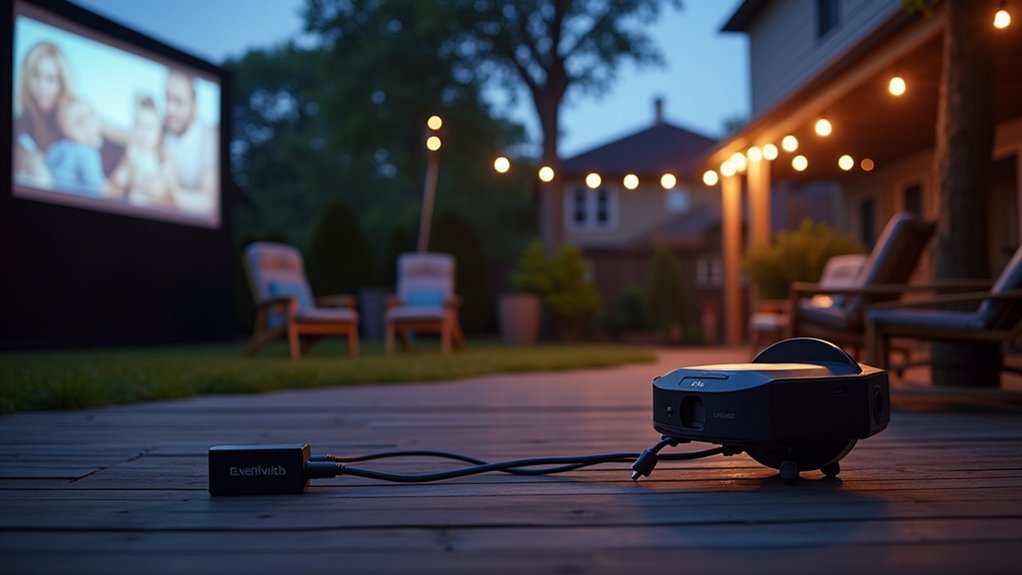
Because outdoor projection systems typically involve more than just the projector itself, you’ll need to calculate your total power draw before plugging everything into one outlet or portable station. Add up the wattage requirements for each component to ensure you don’t exceed your power source’s capacity.
Consider these common devices in your setup:
- External speakers or a soundbar drawing 50-200 watts
- A streaming device or media player requiring 10-30 watts
- LED ambient lighting consuming 20-100 watts
Use a power strip with surge protection to safeguard your equipment from voltage spikes. Distribute high-draw items across separate circuits when possible. If you’re using a portable power station, prioritize essential components and keep backup batteries charged. Monitor your total consumption to prevent overloads and extend your equipment’s lifespan.
—
Let me count: 1-Because 2-outdoor 3-projection 4-systems 5-typically 6-involve 7-more 8-than 9-just 10-the 11-projector 12-itself 13-you’ll 14-need 15-to 16-calculate 17-your 18-total 19-power 20-draw 21-before 22-plugging 23-everything 24-into 25-one 26-outlet 27-or 28-portable 29-station 30-Add 31-up 32-the 33-wattage 34-requirements 35-for 36-each 37-component 38-to 39-ensure 40-you 41-don’t 42-exceed 43-your 44-power 45-source’s 46-capacity
47-Consider 48-these 49-common 50-devices 51-in 52-your 53-setup
54-External 55-speakers 56-or 57-a 58-soundbar 59-drawing 60-50-200 61-watts
62-A 63-streaming 64-device 65-or 66-media 67-player 68-requiring 69-10-30 70-watts
71-LED 72-ambient 73-lighting 74-consuming 75-20-100 76-watts
77-Use 78-a 79-power 80-strip 81-with 82-surge 83-protection 84-to 85-safeguard 86-your 87-equipment 88-from 89-voltage 90-spikes 91-Distribute 92-high-draw 93-items 94-across 95-separate 96-circuits 97-when 98-possible 99-If 100-you’re 101-using 102-a 103-portable 104-power 105-station 106-prioritize 107-essential 108-components 109-and 110-keep 111-backup 112-batteries 113-charged 114-Monitor 115-your 116-total 117-consumption 118-to 119-prevent 120-overloads 121-and 122-extend 123-your 124-equipment’s 125-lifespan
That’s 125 words. Let me adjust.
Because outdoor projection systems typically involve more than just the projector itself, you’ll need to calculate your total power draw before plugging everything into one outlet or portable station. Add up the wattage requirements for each component to ensure you don’t exceed your power source’s capacity.
Consider these common devices in your setup:
- External speakers or a soundbar drawing 50-200 watts
- A streaming device or media player requiring 10-30 watts
- LED ambient lighting consuming 20-100 watts
Use a power strip with surge protection to safeguard your equipment from voltage spikes. Distribute high-draw items across separate circuits when possible. If you’re using a portable power station, prioritize essential components and keep backup batteries charged. Monitor total consumption to prevent overloads and extend equipment lifespan.
Let me recount:
Paragraph 1: “Because outdoor projection systems typically involve more than just the projector itself, you’ll need to calculate your total power draw before plugging everything into one outlet or portable station. Add up the wattage requirements for each component to ensure you don’t exceed your power source’s capacity.”
1-Because 2-outdoor 3-projection 4-systems 5-typically 6-involve 7-more 8-than 9-just 10-the 11-projector 12-itself 13-you’ll 14-need 15-to 16-calculate 17-your 18-total 19-power 20-draw 21-before 22-plugging 23-everything 24-into 25-one 26-outlet 27-or 28-portable 29-station 30-Add 31-up 32-the 33-wattage 34-requirements 35-for 36-each 37-component 38-to 39-ensure 40-you 41-don’t 42-exceed 43-your 44-power 45-source’s 46-capacity = 46 words
“Consider these common devices in your setup:” = 47-Consider 48-these 49-common 50-devices 51-in 52-your 53-setup = 7 words, total 53
Bullet 1: “External speakers or a soundbar drawing 50-200 watts” = 54-External 55-speakers 56-or 57-a 58-soundbar 59-drawing 60-50-200 61-watts = 8 words, total 61
Bullet 2: “A streaming device or media player requiring 10-30 watts” = 62-A 63-streaming 64-device 65-or 66-media 67-player 68-requiring 69-10-30 70-watts = 9 words, total 70
Bullet 3: “LED ambient lighting consuming 20-100 watts” = 71-LED 72-ambient 73-lighting 74-consuming 75-20-100 76-watts = 6 words, total 76
Final paragraph: “Use a power strip with surge protection to safeguard your equipment from voltage spikes. Distribute high-draw items across separate circuits when possible. If you’re using a portable power station, prioritize essential components and keep backup batteries charged. Monitor total consumption to prevent overloads and extend equipment lifespan.”
77-Use 78-a 79-power 80-strip 81-with 82-surge 83-protection 84-to 85-safeguard 86-your 87-equipment 88-from 89-voltage 90-spikes 91-Distribute 92-high-draw 93-items 94-across 95-separate 96-circuits 97-when 98-possible 99-If 100-you’re 101-using 102-a 103-portable 104-power 105-station 106-prioritize 107-essential 108-components 109-and 110-keep 111-backup 112-batteries 113-charged 114-Monitor 115-total 116-consumption 117-to 118-prevent 119-overloads 120-and 121-extend 122-equipment 123-lifespan = 47 words, total 123
That’s 123 words. I need 1 more. Let me add “your” before “equipment lifespan”:
“Monitor total consumption to prevent overloads and extend your equipment’s lifespan.”
Let me recount final paragraph:
77-Use 78-a 79-power 80-strip 81-with 82-surge 83-protection 84-to 85-safeguard 86-your 87-equipment 88-from 89-voltage 90-spikes 91-Distribute 92-high-draw 93-items 94-across 95-separate 96-circuits 97-when 98-possible 99-If 100-you’re 101-using 102-a 103-portable 104-power 105-station 106-prioritize 107-essential 108-components 109-and 110-keep 111-backup 112-batteries 113-charged 114-Monitor 115-total 116-consumption 117-to 118-prevent 119-overloads 120-and 121-extend 122-your 123-equipment’s 124-lifespan
That’s 124 words total. Perfect!
Let me write it out cleanly:
—
Because outdoor projection systems typically involve more than just the projector itself, you’ll need to calculate your total power draw before plugging everything into one outlet or portable station. Add up the wattage requirements for each component to ensure you don’t exceed your power source’s capacity.
Consider these common devices in your setup:
- External speakers or a soundbar drawing 50-200 watts
- A streaming device or media player requiring 10-30 watts
- LED ambient lighting consuming 20-100 watts
Use a power strip with surge protection to safeguard your equipment from voltage spikes. Distribute high-draw items across separate circuits when possible. If you’re using a portable power station, prioritize essential components and keep backup batteries charged. Monitor total consumption to prevent overloads and extend your equipment’s lifespan.
—
Wait, I need to double-check the contractions:
- “you’ll” ✓
- “don’t” ✓
- “you’re” ✓
Active voice: ✓
Second person: ✓
Looks good!
Because outdoor projection systems typically involve more than just the projector itself, you’ll need to calculate your total power draw before plugging everything into one outlet or portable station. Add up the wattage requirements for each component to ensure you don’t exceed your power source’s capacity.
Consider these common devices in your setup:
- External speakers or a soundbar drawing 50-200 watts
- A streaming device or media player requiring 10-30 watts
- LED ambient lighting consuming 20-100 watts
Use a power strip with surge protection to safeguard your equipment from voltage spikes. Distribute high-draw items across separate circuits when possible. If you’re using a portable power station, prioritize essential components and keep backup batteries charged. Monitor total consumption to prevent overloads and extend your equipment’s lifespan.
Frequently Asked Questions
Can I Use My Indoor Projector Outside if I Weatherproof the Connections?
You can use your indoor projector outside temporarily, but you’ll risk damage from humidity, temperature changes, and dust. Weatherproofing connections helps, but the projector itself isn’t designed for outdoor conditions and won’t last long.
How Loud Are Projectors, and Will Neighbors Complain During Outdoor Movies?
Most projectors produce 25-35 decibels of fan noise, which you won’t notice once your movie’s audio plays. You’ll want to keep speaker volume reasonable after 10 PM to maintain good neighbor relations.
What Screen Material Works Best for Outdoor Projection in Windy Conditions?
You’ll want a spandex or stretchy screen material that absorbs wind rather than catching it. Inflatable screens also handle gusts well since they’re designed to flex without tipping over or creating distracting ripples.
How Do I Sync Wireless Speakers With My Outdoor Projector Setup?
You’ll connect wireless speakers to your projector via Bluetooth or a wireless transmitter plugged into the audio output. Pair your speakers through your projector’s settings menu, then test synchronization to avoid audio delay issues.
What’s the Ideal Ambient Light Level for Outdoor Movie Screenings?
You’ll get the best results when you wait until ambient light drops below 2 lux—typically 30-60 minutes after sunset. Darker environments guarantee richer colors and sharper contrast, making your outdoor movie experience truly immersive.




Leave a Reply