
You’ll set up wedding reception speakers by first evaluating your backyard layout, identifying obstacles, and mapping speaker placement for even coverage. Deploy battery-powered speakers at strategic positions—one at a corner, another halfway down the side—to avoid sound clustering. Run wireless microphones for speeches, keeping them away from speakers to prevent feedback. Manage cables along edges to eliminate trip hazards. Test your setup outdoors under actual conditions before the event. The specific techniques for positioning, power management, and troubleshooting reveal how to achieve professional audio results affordably.
Assessing Your Backyard Wedding Reception Space
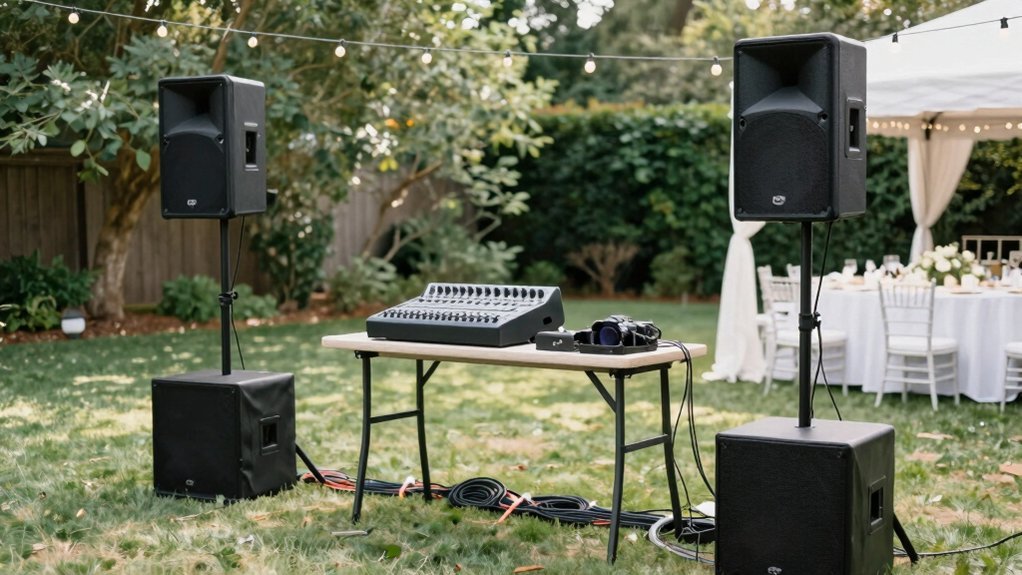
How can you guarantee your guests hear every toast and song throughout your backyard reception? Start by evaluating your space’s dimensions, layout, and potential obstacles. Identify trees, structures, and seating arrangements that’ll affect speaker placement. Walk your yard during different times to understand ambient noise from wind, traffic, and neighborhood sounds.
Next, assess power accessibility. Locate outdoor outlets and determine whether you’ll need a generator—consider its noise level. Battery-powered speakers offer flexibility if outlets aren’t convenient.
Finally, map coverage zones. Plan speaker placement to deliver even sound distribution across all guest areas rather than concentrating audio in one spot. Account for your yard’s natural acoustics and size to determine how many speakers you’ll need.
Selecting Battery-Powered Speakers for Outdoor Venues
Why settle for generator noise and tangled power cords when battery-powered speakers offer a cleaner, more flexible solution for your backyard reception?
Battery-powered speaker packages deliver self-contained systems ideal for outdoor venues. You’ll get two speakers with built-in wireless microphones, eliminating setup complexity. Look for models featuring:
- Integrated mixer and USB playback capabilities
- At least 12 hours of battery life for full-day events
- Wireless microphone compatibility for seamless operation
Position your main speaker at one corner and place the second speaker halfway down the side for balanced coverage. Before your event, power on both units and test microphone compatibility in your outdoor space. Verify system volume levels work well across your reception area. This preparation ensures your audio runs smoothly throughout the celebration without cord hassles or generator hum disrupting conversation and dancing.
Strategic Speaker Placement for Even Coverage
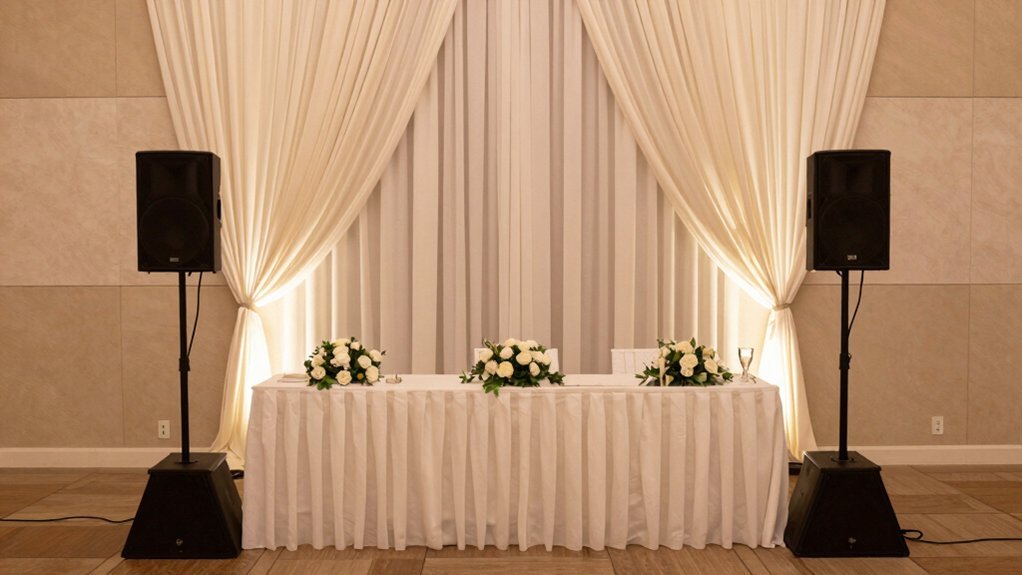
Once you’ve selected your battery-powered speakers, positioning them strategically determines whether every guest hears the vows clearly or strains to catch the reception toasts. Deploy multiple speakers along the walls rather than clustering them in one area—this approach eliminates hot spots and ensures even coverage throughout your venue.
Mount speakers at ear level and angle them toward your audience to improve intelligibility while minimizing reflections. For larger crowds, consider using modular line arrays or evenly spaced wall-mounted setups that scale with your guest count.
Before the event, conduct on-site testing with a complete venue walk-through. Verify sound distribution between front and back rows. Additionally, keep speakers away from microphones and performers to prevent feedback and phase issues that’ll compromise audio quality.
Connecting Multiple Speakers and Managing Power
You’ll connect your speakers using speaker wire run from the powered unit to the next speaker, allowing the amplified signal to feed onward through your system. Proper cable management—wrapping wire around speakers and securing connections with slide connectors—eliminates trip hazards while keeping your setup organized. Power both speakers simultaneously so they initialize correctly and engage their built-in protection before you test your microphones for distortion-free audio across all channels.
Speaker Wiring and Configuration
How do you connect multiple speakers without overwhelming your setup with extra equipment? You’ll use a daisy-chain approach, connecting one powered speaker directly to the next with speaker wire. This eliminates the need for additional mixers.
Consider these essentials:
- Power management: Turn on both speakers before use to ensure proper signal flow
- Cable safety: Run wires along edges or under furniture to prevent trip hazards and accidental damage
- Secure connections: Wrap speaker wire around cabinets with zip ties, ensuring connectors click fully into place
Position your main unit at a corner, then place the second speaker halfway down the side. This balanced placement covers both front and back audience areas effectively. Keep your mic system separate from main speaker feeds to avoid feedback issues.
Power Supply and Amplification
While proper wiring and placement set the foundation for your speaker system, the power infrastructure actually determines whether that setup performs reliably. You’ll want to use a 70V amplifier or line-array approach for long runs and even coverage across your venue.
For outdoor weddings, battery-powered speakers eliminate generator noise and reduce cable runs significantly. Always power your speakers before testing—never connect power to passive speakers, only powered units.
Consider modular, battery-enabled options like the GPSS-650 or WPX-2000TOGO to simplify setup and minimize wiring complexity. Use the built-in mixer for precise level control.
Finally, conduct thorough on-site testing to verify even coverage across all speakers and prevent hot spots or dead zones.
Cable Management Best Practices
What separates a professional-looking setup from a chaotic one? Smart cable management. You’ll want to:
- Run speaker wire between powered speakers using minimal length cables to reduce resistance and signal loss
- Wrap wires around each speaker to minimize trip hazards and protect from accidental stepping
- Organize mic systems and cables with zip ties behind speakers for quick on-site adjustments
Use color-coded RCA or speaker connectors, sliding them in gently to ensure secure, click-lock connections without damage. Before your reception starts, power both speakers to confirm your signal chain is complete and catch any missing connections early. This proactive approach prevents embarrassing technical failures during crucial moments and keeps your dance floor safe for guests.
Wireless Microphone Systems for Speeches and Announcements
Why do so many wedding receptions suffer from muffled toasts and feedback-laden announcements? You’re likely using inadequate wireless systems. Here’s what you need: Choose UHF wireless microphones to minimize interference and ensure stable reception throughout your venue. You’ll want at least one handheld or headset mic for speakers, allowing mobility while avoiding proximity issues with fixed microphones.
Pair your wireless mics with a mixer supporting multiple channels and featuring a built-in diversity receiver—this reduces dropouts during toasts. Don’t skimp on battery management; have fresh batteries or fully charged rechargeable packs for all microphones to prevent mid-event power loss.
Finally, run a comprehensive on-site test. Check mic placement, gain structure, and feedback. Walk through from the speaker’s position to confirm clear audio pickup before guests arrive.
Testing Sound Levels Before Your Guests Arrive
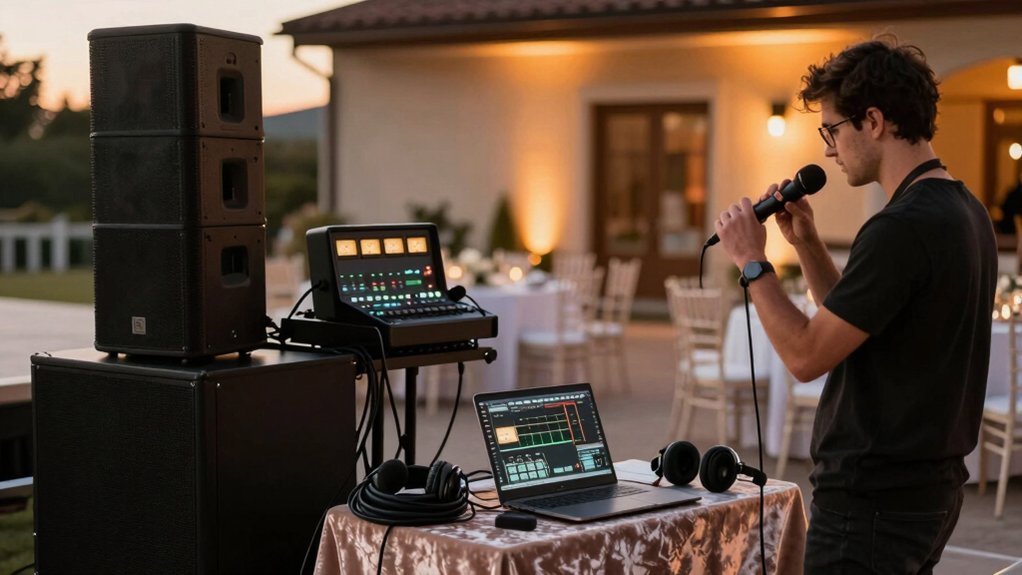
Once you’ve selected and configured your wireless microphone system, you can’t skip the next critical step: testing sound levels before your guests arrive.
Start by conducting a thorough venue walk-through with your gear. This identifies how sound behaves in your specific space and reveals potential problem areas. Next, perform on-site testing to ensure:
- Even audio coverage across all seating areas without dead zones
- No excessive gain or feedback during microphone tests
- Proper speaker positioning high and away from microphones
Position speakers strategically and adjust angles so front and back listeners hear equally. Allocate dedicated time for final tweaks and level adjustments after initial test signals but before speeches begin. Have an operator monitor levels throughout setup to manage feedback, transition, and cueing for introductions and toasts.
Managing Feedback and Audio Quality Outdoors
How do you prevent audio disasters when moving your wedding reception outdoors? Wind and ambient noise present unique challenges that require strategic mic selection and positioning. Choose handheld or integrated microphones instead of clip-ons, and keep them away from wind exposure to minimize unwanted noise.
To eliminate feedback squeals during speeches and toasts, you’ll need a feedback eliminator or a trained operator adjusting levels in real time. Maintain consistent audio by adding a limiter to your mic channel and applying modest 3:1 to 4:1 compression. This controls dynamic range without sacrificing natural vocal clarity.
Finally, balance speaker placement by positioning your main speaker at a corner and offsetting a second speaker halfway down the side. This approach ensures even coverage while preventing front rows from getting blasted.
Weather Considerations for Outdoor Audio Equipment
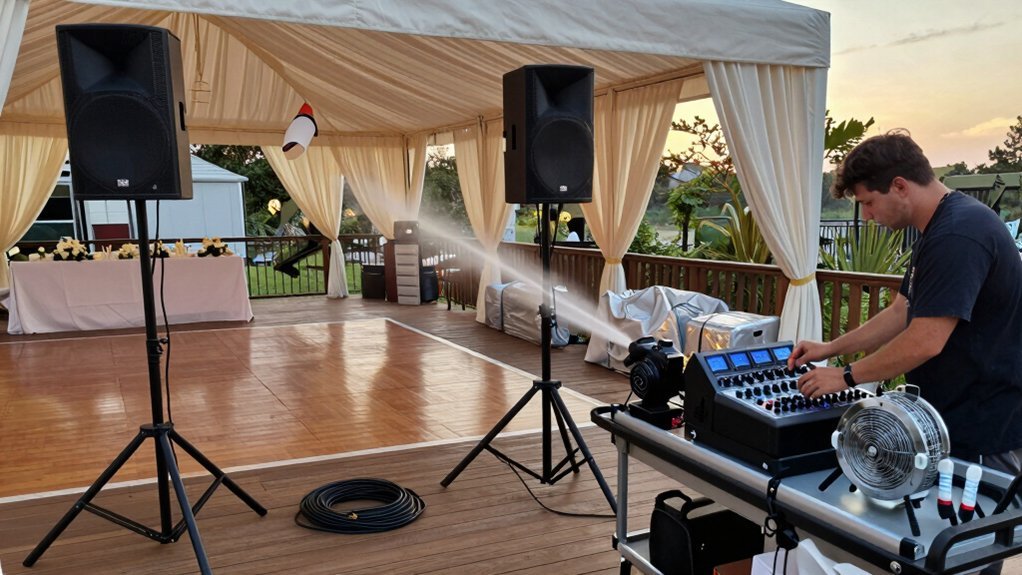
You’ll need to select waterproof speakers with proper IP ratings to protect against rain, moisture, and humidity that can damage standard audio equipment.
Equally important is establishing electrical safety by using weatherproof power sources, ground fault circuit interrupter (GFCI) outlets, and keeping all cables and connections elevated and protected from pooling water.
Plan your power setup with redundancy and battery backups so weather interruptions don’t silence your reception’s music and announcements.
Waterproof Speaker Selection
Weather poses the primary challenge to outdoor audio systems, making waterproof equipment essential for any reception held beyond a covered venue.
When selecting waterproof speakers, you’ll want models with at least IPX5 ratings, which handle splashes and light rain effectively. The GGO-230L from Gemini ($79.95) offers reliable waterproof performance for rugged outdoor environments.
Consider these key features:
- Battery-powered models like the GPSS-650 eliminate AC power dependency and enhance mobility
- Weather-resistant enclosures protect drivers and electronics from dust, moisture, and temperature fluctuations
- High SPL output ensures clarity despite wind and environmental noise
You’ll also benefit from secure mounting systems that stabilize your speakers against weather conditions. By investing in properly rated waterproof equipment, you’ll protect your audio investment while maintaining consistent sound quality throughout your reception.
Power and Electrical Safety
Reliable power management separates successful outdoor audio setups from problematic ones, especially when rain, wind, and humidity enter the equation. You’ll want to prioritize battery-powered speakers to eliminate generator noise and minimize long power cords that create tripping hazards.
Verify that your batteries have sufficient capacity for your entire event, and always carry backup batteries for critical components like microphones and main speakers. Position all mains and wireless receivers away from direct weather exposure, and shield electrical connections from wind and dust to prevent corrosion and signal interference.
Before guests arrive, conduct a comprehensive on-site test under actual outdoor conditions—including wind, humidity, and ambient noise—to confirm stable operation and consistent coverage across your venue. This verification step ensures your audio system performs reliably throughout the reception.
Troubleshooting Common Sound System Problems
How can you guarantee your reception’s sound system performs flawlessly on the big day? You’ll want to diagnose potential issues systematically before your guests arrive.
Use a structured setup checklist to identify common problems:
- Feedback and audio distortion – Lower microphone volume, reposition speakers away from mics, or deploy a feedback eliminator device
- Wireless signal dropout – Change microphone frequencies or ensure non-overlapping channels to maintain stable connectivity
- Uneven sound coverage – Adjust speaker angles, add additional speakers, or implement a modular line array for scalable distribution
Conduct thorough on-site testing to verify functionality, coverage quality, and cue timing before the reception begins. This proactive approach catches issues early, allowing you to make adjustments and ensure consistent audio throughout your event.
Budget-Friendly Options and Equipment Rental Alternatives
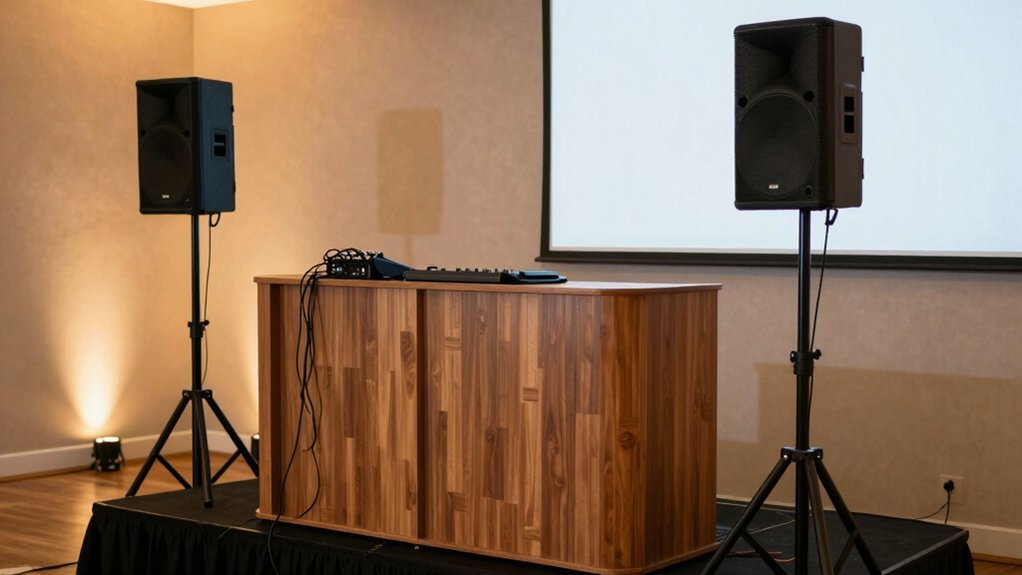
Once you’ve resolved your sound system’s technical issues, you’ll want to consider how you’ll actually acquire or rent the equipment without breaking your budget.
Renting a basic PA system offers simplicity and cost-effectiveness for budget-conscious couples. You’ll pair powered speakers with a modular approach, placing multiple speakers along walls to improve coverage without overspending. For even distribution across long spaces, consider 70V systems or line-source speakers that eliminate hot spots.
A small mixing console with a mic featuring compressor, limiter, and gate settings manages dynamics and prevents feedback. Professional rental vendors provide invaluable guidance on speaker placement, testing, and on-site support. They’ll optimize your setup within your financial constraints, ensuring quality sound without expensive equipment purchases.
Frequently Asked Questions
How to Set up Speakers for a Wedding?
You’ll want to place multiple speakers along long walls for even coverage, avoiding loud spots. Use a mixing console with a compressor mic, and consider 70V amplification for long runs. Test everything on-site and work with a pro audio vendor.
What Is the 30 5 Rule for Weddings?
You’ll apply the 30–5 rule by maintaining 30 seconds of silence before music starts and capping all announcements to 5 minutes total. You’re keeping your program brief and focused, which helps minimize guest fatigue while maintaining excellent pacing throughout your reception.
What Is the 1/3 Rule for Speaker Placement?
You’ll place your main speakers to cover the central third of your venue, positioning them so roughly one-third to two-thirds of your audience falls within that acoustically balanced zone. This approach minimizes edge distortions and ensures consistent sound quality throughout.
What Are Common Speaker Installation Mistakes?
You’ll want to avoid mounting speakers at ear level, pointing multiple speakers at center seating, skipping venue walk-throughs, running cables across walkways, and failing to align speaker height with your audience plane for even coverage.